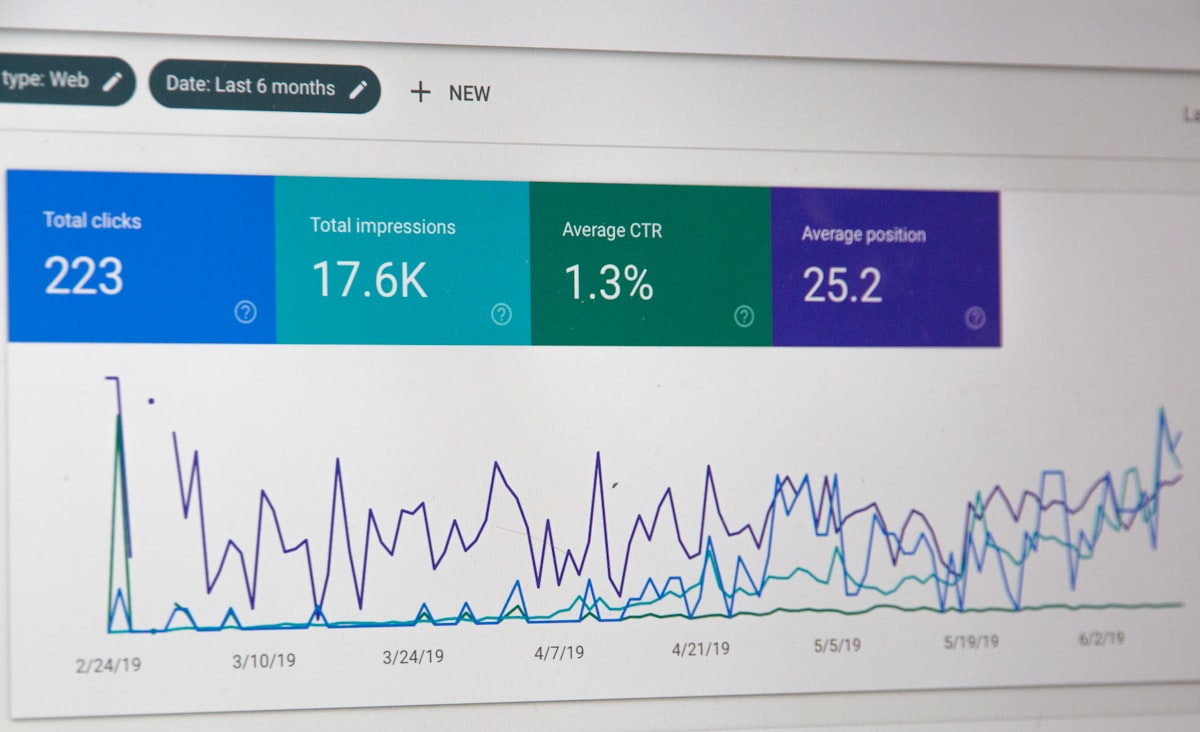
OpenCost (CNCF sandbox) y Kubecost (su versión comercial) resuelven el problema básico de Kubernetes: “¿cuánto cuesta cada namespace?”. Cloud bills agrupan por recurso/tag, no por workload K8s. Kubecost mapea AWS/GCP/Azure billing a constructs K8s: pods, deployments, namespaces, labels.
Qué ofrecen
- Cost allocation: per pod, namespace, label, deployment.
- Optimization recommendations: right-sizing, spot, abandoned workloads.
- Cloud billing integration: AWS CUR, GCP Billing Export, Azure.
- Showback/Chargeback: invoices internas per team.
- Forecasting: predicciones de coste.
- Alerting: budget exceeded notifications.
OpenCost vs Kubecost
| Aspect | OpenCost | Kubecost |
|---|---|---|
| License | Apache 2.0 | Free tier + paid |
| Cost allocation | Sí | Sí |
| Cloud billing | Básico | Avanzado |
| Multi-cluster | Limitado | Sí |
| UI | Básica | Rica |
| Support | Community | Commercial |
OpenCost = free essentials. Kubecost = paid features (enterprise).
Instalación
Helm:
helm repo add opencost https://opencost.github.io/opencost-helm-chart
helm install opencost opencost/opencost

# Or Kubecost
helm repo add kubecost https://kubecost.github.io/cost-analyzer/
helm install kubecost kubecost/cost-analyzer \
  --set kubecostToken="your-token"
Deploy requires:
- Prometheus scraping.
- Cloud IAM permissions para billing APIs.
Cost allocation accuracy
Factores:
- Prometheus data resolution: 5-minute intervals decent.
- CSV / billing integration: más preciso.
- Historical data: 15-30 días típicamente.
- Idle cost distribution: allocation de nodos subutilizados.
Accuracy típica: 85-95% vs real invoice.
Recommendations
Kubecost sugiere:
- Rightsizing: reduce requests (pods overprovisioned).
- Spot instances: workloads tolerant.
- Reserved instances: long-running steady.
- Abandoned workloads: deployments 0 traffic.
- Unhealthy pods: consuming sin delivering value.
Tipical savings identified: 20-40% primer month.
Showback interno
Report a teams:
Team Frontend
  - namespace: frontend-prod: $1,230/mes
  - namespace: frontend-staging: $180/mes
  - total: $1,410

Team Backend
  - namespace: api-prod: $3,450/mes
  - namespace: workers: $890/mes
  - total: $4,340
Transparency accountability incentiva efficiency.
Cloud integration
AWS
- Cost and Usage Report (CUR) en S3.
- IAM role con ce:GetCostAndUsage.
- RDS, EKS, ELB: pricing data.
GCP
- Billing Export a BigQuery.
- Service account con billing.viewer.
Azure
- Cost Management Export.
- Service principal con billing reader.
Setup toma unas horas por cloud.
Métricas específicas Kubernetes
Kubecost tracks:
- CPU allocation vs usage por pod.
- Memory allocation vs usage.
- Storage PVC por namespace.
- Network egress (limited visibility).
- GPU utilization.
Alerting
alerts:
  - name: namespace-over-budget
    type: budget
    namespace: production
    threshold: 5000  # $5k/month
    window: 30d
    recipients:
      - slack:devops
      - email:finance@company.com
Proactive cost alerts.
Export data
Kubecost expone metrics:
- Prometheus endpoint.
- API REST para cost data.
- CSV export.
- Grafana dashboards oficial.
Integra con FinOps tools enterprise (Apptio, Cloudability).
Optimization workflow
- Baseline: medir coste actual mensual.
- Identify top spenders: pareto — 20% de workloads son 80% del cost.
- Right-size: CPU/memory requests optimization.
- Policy: LimitRange, ResourceQuota.
- Spot strategy: workloads tolerant → spot.
- Monitor savings: trend continuo.
Proceso iterativo cada mes-trimestre.
FinOps practices
FinOps framework phases:
- Inform: visibility (Kubecost da esto).
- Optimize: acting on data.
- Operate: continuous improvement.
Kubecost herramienta. Process + culture es FinOps real.
Casos reales
- Adobe: Kubecost enterprise-wide.
- Ford: K8s FinOps via Kubecost.
- Many startups: free tier sufficient.
Teams reportan 25-40% reducción de K8s spend.
Limitations
- Network cost: ingress/egress attribution hard.
- Shared services: e.g. Redis shared, cómo allocate.
- Accuracy gaps con spot/reservations.
- UI overhead: learning curve.
Opciones complementarias
- CloudHealth, Cloudability: enterprise FinOps multi-cloud.
- Vantage: modern SaaS.
- Cast.ai: K8s optimization automated.
Para enterprise complex, combo Kubecost + enterprise FinOps.
Conclusión
Kubecost/OpenCost transforma K8s spend desde black box a managed cost. Para clusters >$5k/mes, ROI claro — savings suelen exceder software cost. OpenCost gratis cubre essentials; Kubecost Business+ vale la pena para features multi-cluster y cloud billing avanzado. Implementación es día de setup + semanas iterando recommendations. Para FinOps serio en K8s, tool fundamental.
Síguenos en jacar.es para más sobre FinOps, Kubernetes y cost optimization.